
What is a Server?
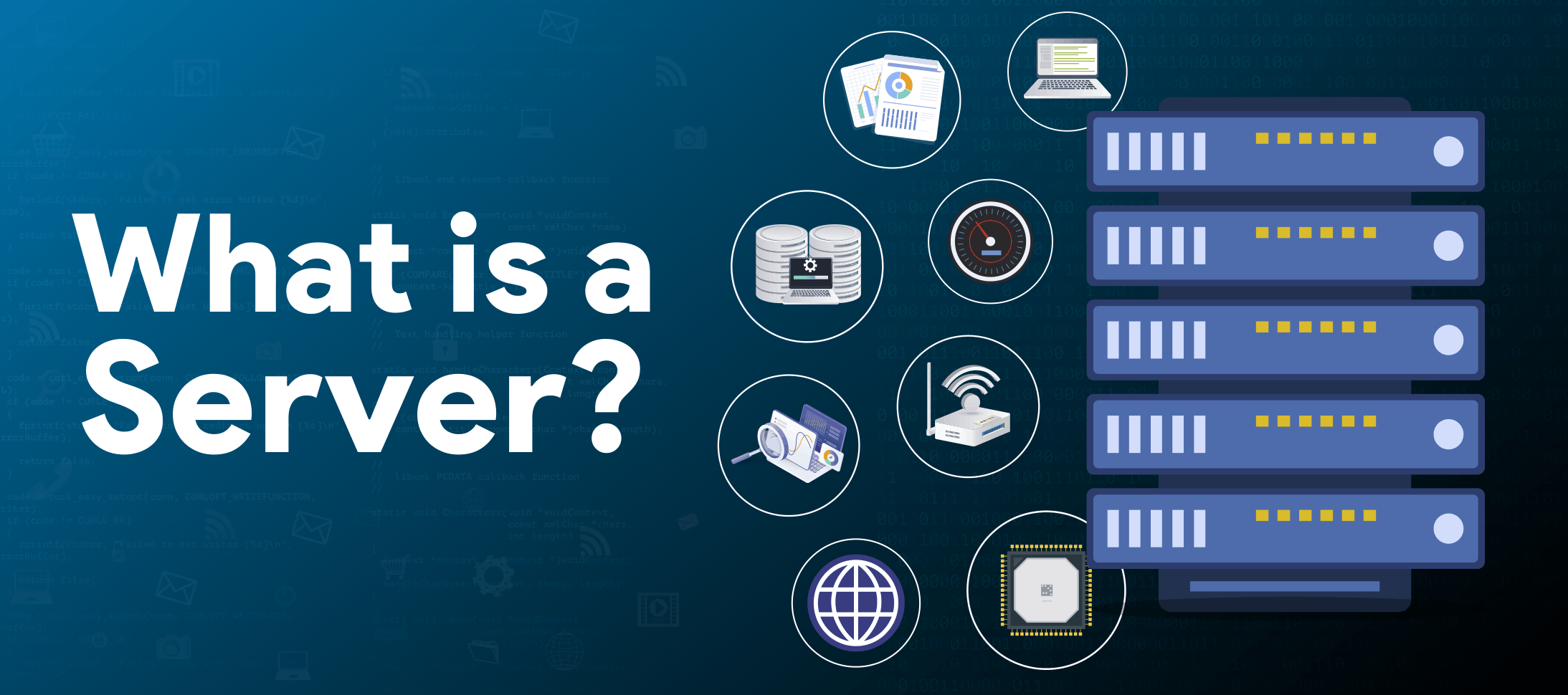
Servers are the heart of an IT infrastructure, or a central hub that stores and facilitates all data exchanges in a business.
Server is a hardware device or software, accessible from anywhere, providing resources like data, services, or programs to client computers through a network. With a server, centralize everything, secure your IT infrastructure, back up data, and share files within the team.
It holds important files, manages emails, and hosts websites.
How a server works?
Here are the steps involved in the functioning of servers:
-
Client Request:
A request for data, services, or web page is created and sent to the server.
-
Processing:
The server receives and verifies the client’s identity and furnishes the requested service in response.
-
Sending Response:
The requested information is processed and transferred to the client computer.
-
Verification:
The client attests if the information is accurate and presents it to the user in form of a web page, file, or information.
-
Error Report:
If the error occurs, the server reports it through an error message, that is sent to the client device immediately.
Key Components of Server
The following is a list of 10 essential server components:
- Motherboard
- Central Processing Unit (CPU)
- Random Access Memory (RAM)
- Storage Drives
- Network Connection
- Power Supply Unit (PSU)
- Graphics Processing Unit (GPU)
Hardware
-
CPU:
CPU is a chip that processes instructions, fetches data from memory, and performs the assigned task. More core counts in a CPU means better performance for demanding workloads.
-
Memory:
Also called as RAM, memory is a short-term storage where data is stored when the server is processing any information. It provides fast access to data. More speed and capacity translate into better ability to multitask and respond.
-
Storage (HDD/SSD):
Storage means secondary, but a permanent data storage space. It includes media like SSDs, HDDs, NVMe drives, cloud storage, disk arrays, portable storage, etc.
-
Motherboard:
This is a large circuit board that works like a communication hub between various server components. It also comprises a BIOS chip, memory/processor slots, and determines the amount of RAM, CPU, and drives that can be connected.
-
Network Interface:
Servers have network interface cards (NICs) and internal network ports to enable connection and communication between local and Internet-connected computers.
Software
-
Operating System:
OS acts like brain in a server. OSes like Windows Server 2022 and Linux Mint 22 defines how the server responds or communicates with other computers. They are software that form the framework defining how a programs or an application runs.
-
Mobile Apps:
They are the programs written specifically with smaller screens like mobile devices in mind. These applications are fine-tuned to work within the limitations of a smaller screen, touch base, smaller memory, and battery operated devices.
-
Applications:
Applications are a set of software, designed so that the users can perform tasks or functions that they want the computers to do. E.g., Photoshop is an application created for editing images and designing graphics.
Different Types of Servers
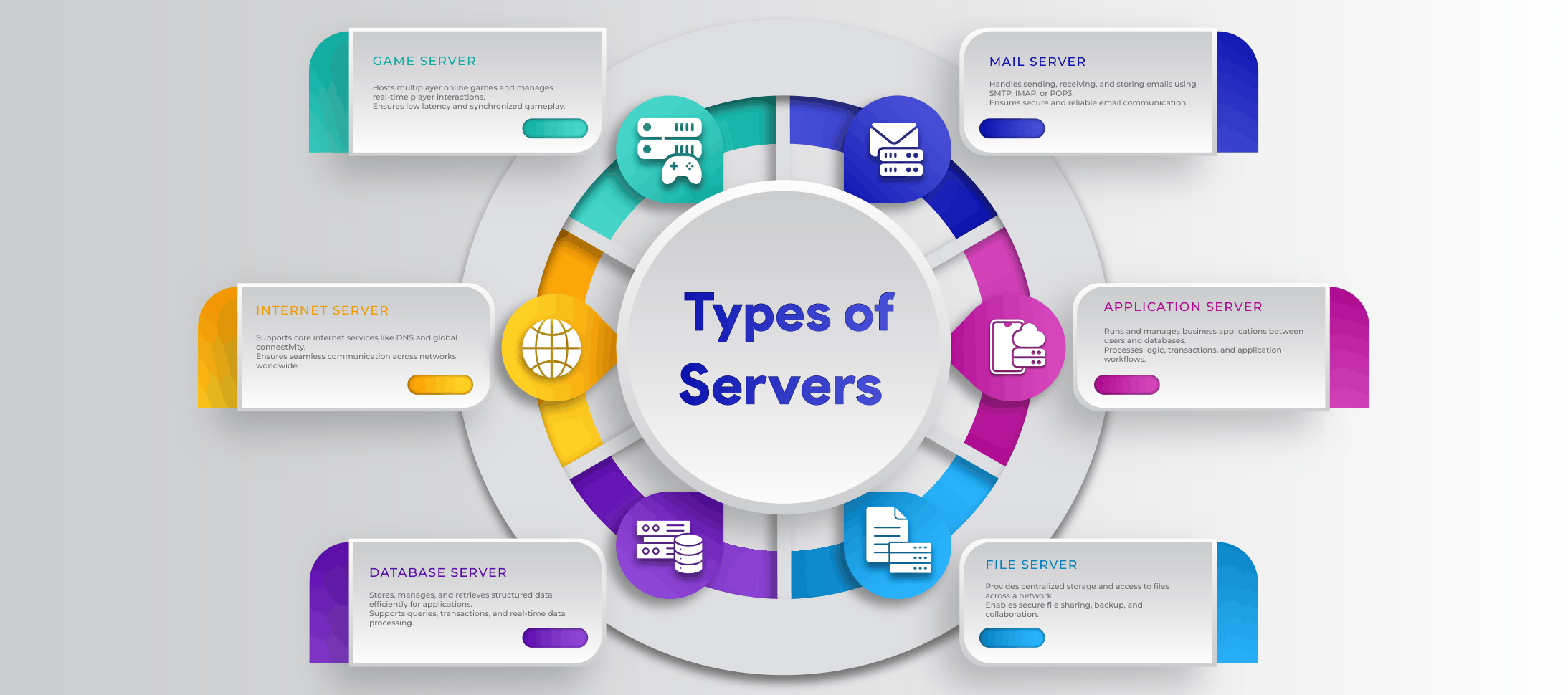
Servers can be used for a variety of services like sharing files, managing networks, hosting databases/ web pages/e-mails etc. Here is an overview of the types of servers based on the purpose it serves:
-
Application Server:
This is a program that runs on a server to provide a committed runtime environment for running, monitoring, and hosting applications. One can run the applications without the overhead of downloading much data or locally running the software. E.g. WebLogic
-
File Server:
File servers stores data centrally, manages, and lets client computers access and share files on the same network. E.g. NAS device
-
Game Server:
Game servers are responsible for accessibility, management, storage, and synchronization of player’s activity on online games and multiplayer games. E.g., game servers for ARK.
-
Mail Server:
Purpose of the mail server is to facilitate sending, receiving, and storage of e-mails. They use protocols like SMTP and IMAP to manage e-mail traffic. E.g., Microsoft Exchange Server
-
Web Server:
Web servers host websites and web applications, accept requests from clients (browsers), and sends the data requested. Apache HTTP Server
-
Computing Server:
Computing servers are deployed to process large amounts of data, perform large calculations, and run simulations. E.g. computing clusters in research labs.
-
Database Server:
These servers hosts databases. They enable accessibility, modification, storage, and retrieval of data to perform database queries requested by client applications. E.g. Microsoft SQL Server
-
Print Server:
Print servers service print requests from client computers on the network, route them to the appropriate printers and organise the print queue.
-
Virtual Server:
A virtual version of a physical server; virtual servers use virtualisation technology to run a number of frameworks and applications on a single physical server. Virtualisation splits physical server’s hardware (CPU, RAM, etc.) to make it available to one or more virtual machines.
-
Proxy Server:
It is a gateway server that hides/protects the identity of the client device by masking its true IP address and then forwarding traffic to its destination address. E.g. HAProxy
-
Internet Server:
They route requests and results amongst the clients and servers over local networks and Internet. E.g. DNS servers
-
Communication Server:
Communication servers enable exchange of information among various devices like computers, routers, and switches, on the network. They also perform functions like routing data, filtering traffic, etc.
How to Choose a Server for Your Business or Website
With the markets brimming with servers optimised for every type of function, selecting an apt server may be an overwhelming task. Here are a few tips to facilitate a perfect server selection:
- Determine what intended purpose the server needs to serve in your business. They may be needed for file/data storage, hosting business-critical applications, remote working, web hosting, or database management.
- Assess the workload needs, i.e., the type/volume of data to be processed, number of users, and the applications to be used.
- Create a budget to accommodate the devices required. This includes power and HVAC, networking, operating environments software, requirements, spare parts, other devices for maintenance support, and security.
- For a physical server, identify the form factor, space where it’s to be located, level of efficiency and security required.
- Compare physical servers with a virtual server model to examine costs, power, efficiency, scalability, maintenance, control, and reliability.
Many businesses are choosing to shrink the servers into data centres, where more capabilities can be packed into fewer hardware resources. Know what actually matters and avoid missteps, unnecessary overheads, bottlenecks, and build scalable and smarter servers!
Frequently Asked Questions:
What is a server’s definition?
A server is a device or a program that offers services like data, resources, and applications to other computers called clients.
What is a computer server?
Computer servers are powerful computers that perform various services like network storage, web hosting, application processing, etc. It stores, manages data, and gives access to shared resources.
What is a server in networking?
A device or a system for managing a network, networking resources, and requests forwarded by client computers, is called a server in networking. It provides data or services to the client.